Collaboration context
Record why a producer, artist or community is relevant before starting the conversation.
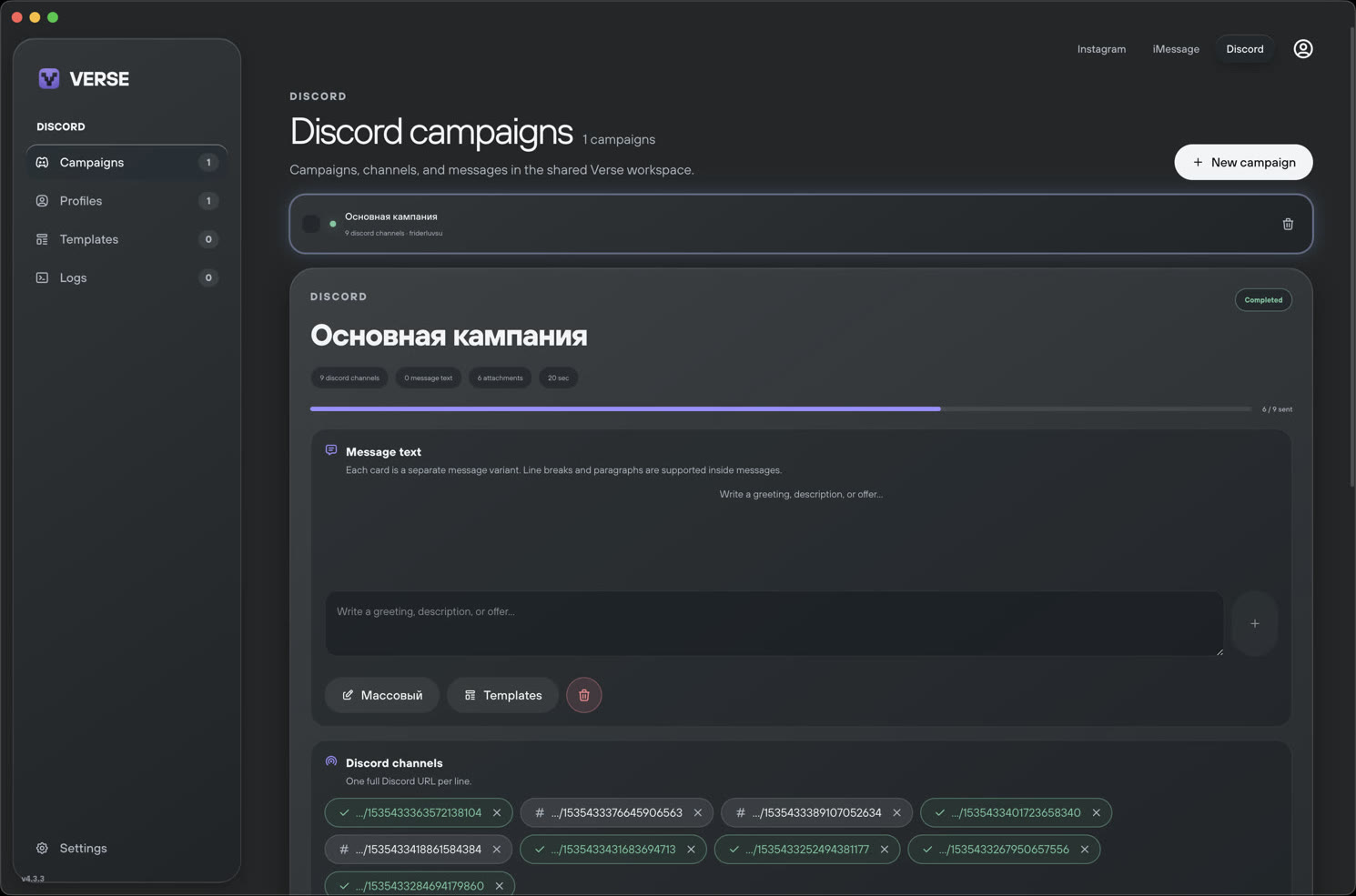
Bring Discord collaborations and community conversations into the same organized outreach workflow as your artist discovery and follow-ups.
Discord is useful for producer communities, feedback groups and collaboration servers, but conversations are easy to lose when every server has different channels and context.
Verse Automate helps keep the contact, campaign purpose and next step organized alongside the rest of your outreach workflow.
Record why a producer, artist or community is relevant before starting the conversation.
Use the same lead organization principles across Discord, Instagram and iMessage.
Keep collaboration follow-ups attached to the original contact and campaign.
Focus on servers and channels where collaboration or music feedback is explicitly welcome.
Understand the rules and contribute before making a direct pitch.
Keep messages specific, limited and relevant to the earlier conversation.
Every Discord community sets its own rules. Verse Automate should only be used where outreach is permitted and must not be used to evade moderation or send unsolicited bulk messages.
Yes. Discord outreach can be organized alongside Instagram and iMessage workflows.
No. Users must follow the rules and moderation requirements of each Discord server.
It can be useful for legitimate collaborations, feedback communities and artist relationships when the community allows it.