All articles
iMessage · 2 min read
Using iMessage for artist outreach on macOS
iMessage is a personal channel. It should be used when the contact is legitimate, the relationship makes sense and the message is expected enough to be respectful.
Updated 2026-08-26
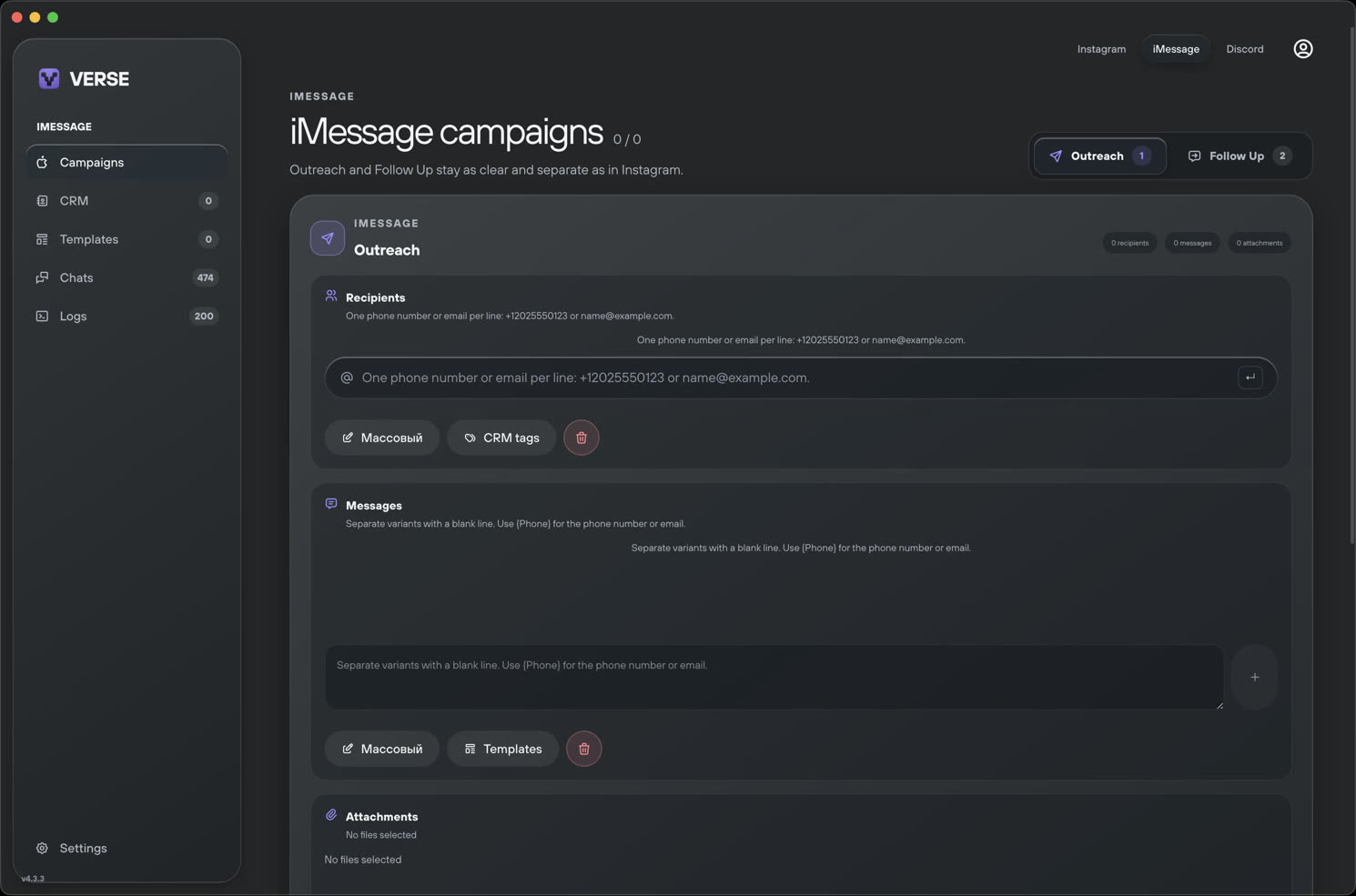
Use an appropriate contact source
A public business contact, an existing conversation or a direct introduction provides context. A scraped or purchased phone list does not. Verse Automate does not provide phone-number databases.
- Know where the contact came from
- Confirm that professional outreach is appropriate
- Keep evidence of consent where required
- Do not use bulk unsolicited lists
Write for a personal channel
Keep the opening concise and identify yourself. Explain why you are contacting that artist and avoid sending attachments or multiple links before the recipient responds.
Treat silence and refusal as an answer
Limit follow-ups, stop after a refusal and provide a simple way to end the conversation. Organization tools should make this easier, not create pressure.
Put the workflow into Verse Automate
Explore the product workflow connected to this article.